The short version: prepare connectivity, audio, video and the run of show separately
A hybrid event has to deliver the same experience to people in the room and to viewers online. Split preparation into four areas and give each an owner (information as of October 2026).
1. Connectivity
Check the venue WiFi band and whether speeds hold up when every attendee is connected. 5 GHz WiFi suffers less interference and suits streaming. Keep the streaming device off the guest network if possible, bring a backup mobile connection, and mark power outlets on the floor plan.
2. Audio
Online viewers forgive soft video but not broken audio. Make sure the microphones feed both the room speakers and the stream, assign one microphone for audience questions, and have the MC read out questions from online viewers.
3. Video
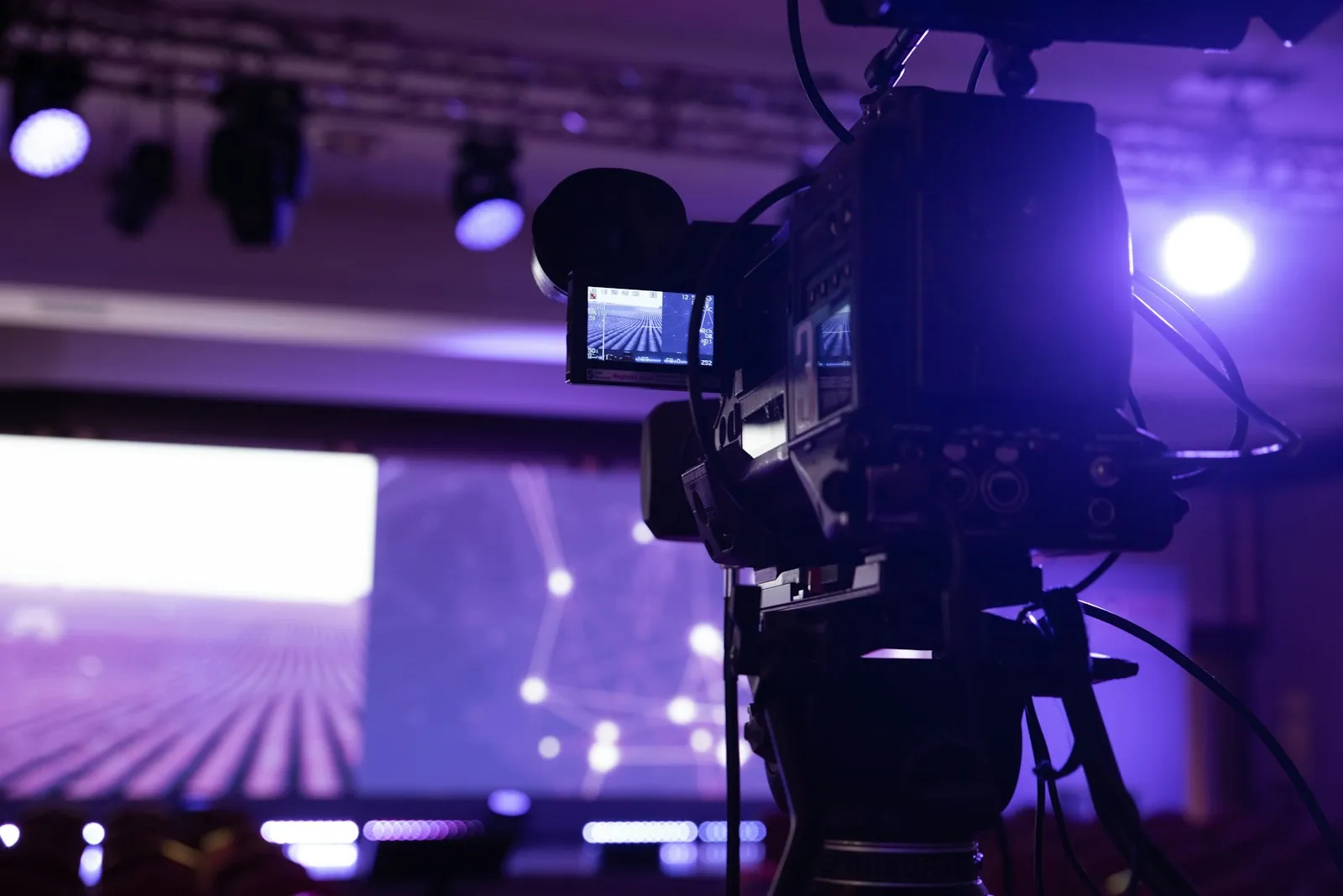
Share the slides as the main picture with the speaker camera in a small window. In the room, show slides large enough for the back rows; secondary monitors help. Place the camera where it does not block anyone's view.
4. Run of show
Write a run-of-show with separate cues for the room and for online viewers, so the MC knows what to say at breaks, Q&A and surveys.
Rehearse with the real setup
Run the rehearsal in the same venue, with the same equipment and streaming settings, using a test stream. Reserve 30–60 minutes before the start within your booking.
Roles on the day
Streaming operator, audio operator, MC, and reception. A small team can combine streaming and audio, but keep the MC separate.
At VELE AOYAMA
Fast 5 GHz WiFi for streaming and hybrid events; a 75-inch 4K display, eight 27-inch monitors, projector, screen and microphones; streaming gear can be brought in; up to 80 in seminar layout; directly connected to Aoyama-itchome Station Exit 0. See facilities and the seminar guide, or request a viewing from the booking page.